I am following the Gmaps4Rails tutorial and trying to implement it in a
bootstrap framework, but am having problems. The map won't load
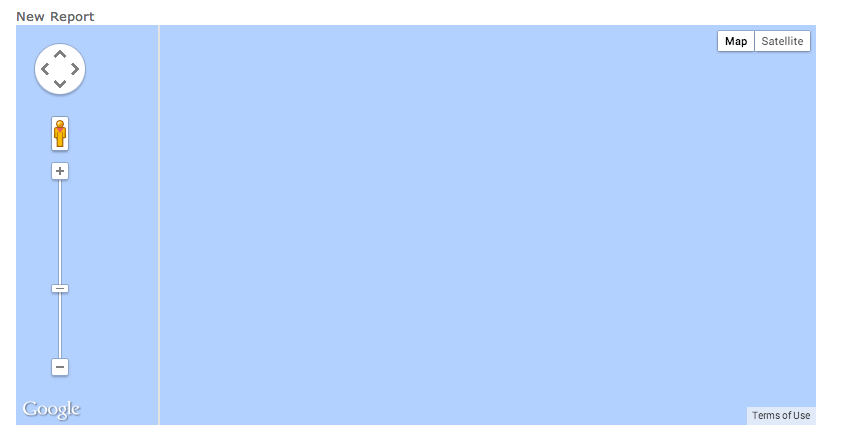
correctly... See here: http://i.imgur.com/qMiczCe.png. Zooming in
function does not work.
I tried the workaround but it has only helped marginally. This appears
to be a problem with how bootstrap is set up, or perhaps my require tree
is not correct. See below for my relevant code.
views/layouts/application.html.erb
<!DOCTYPE html>
<html>
<head>
<title><%= full_title(yield(:title)) %></title>
<%= stylesheet_link_tag "application", media: "all",
"data-turbolinks-track" => true %>
<%= javascript_include_tag "application",
"data-turbolinks-track" => true %>
<%= csrf_meta_tags %>
<%= render 'layouts/shim' %>
<% flash.each do |key, value| %>
<%= content_tag(:div, value, class: "alert alert-#{key}") %>
<% end %>
</head>
...
custom.css.scss --> this is the main stylesheet for my app, and I added
the workaround code here just to see if it would make a difference, but
it did not.
@import "bootstrap";
/*MAP*/
#map img {
max-width: none;
}
#map label {
width: auto; display:inline;
}
...
application.css
...
* You're free to add application-wide styles to this file and they'll
appear at the top of the
* compiled file, but it's generally better to create a new file per
style scope.
*
*= require_self
*= require_tree .
*/
index.html.erb --> home page where map is displayed
<head><link rel="stylesheet" href="reports.css.scss" /></head>
<script
src="//maps.google.com/maps/api/js?v=3.13&sensor=false&libraries=geometry"
type="text/javascript"></script>
<script
src='//google-maps-utility-library-v3.googlecode.com/svn/tags/markerclustererplus/2.0.14/src/markerclusterer_packed.js'
type='text/javascript'></script>
<script
src='//google-maps-utility-library-v3.googlecode.com/svn/trunk/richmarker/src/richmarker-compiled.js'
type='text/javascript'></script>
...
<%= link_to 'New Report', new_report_path %>
<div style='width: 800px;'>
<div id="map" style='width: 800px; height: 400px;'></div>
</div>
<script type="text/javascript">
handler = Gmaps.build('Google');
handler.buildMap({ provider: {}, internal: {id: 'map'}}, function(){
markers = handler.addMarkers(<%=raw @hash.to_json %>);
handler.bounds.extendWith(markers);
handler.fitMapToBounds();
});
reports.css.scss --> The name of my model is Reports, as opposed to
'User' in the gmaps4rails demo
// Place all the styles related to the Reports controller here.
// They will automatically be included in application.css.
// You can use Sass (SCSS) here: http://sass-lang.com/
#map img {
max-width: none;
}
#map label {
width: auto; display:inline;
}
application.js
//= require jquery
//= require jquery_ujs
//= require bootstrap
//= require turbolinks
//= require underscore
//= require gmaps/google
//= require_tree .
Any help is much appreciated :)
--
Posted via http://www.ruby-forum.com/.
--
You received this message because you are subscribed to the Google Groups "Ruby on Rails: Talk" group.
To unsubscribe from this group and stop receiving emails from it, send an email to rubyonrails-talk+unsubscribe@googlegroups.com.
To post to this group, send email to rubyonrails-talk@googlegroups.com.
To view this discussion on the web visit https://groups.google.com/d/msgid/rubyonrails-talk/ae1656d09e5f3a9d365532be81172170%40ruby-forum.com.
For more options, visit https://groups.google.com/d/optout.

No comments:
Post a Comment